Edit Photos with AI Using Text Prompts
Use our AI photo editor to transform and enhance images with natural language. Then fine-tune your instructions in the Prompt Editor for more consistent, repeatable results.
100k+ photos edited with just words
How Our AI Photo Editor Works
Start editing photos with AI in three simple steps
1. Choose Your Image
Upload any image to our free online AI image editor and photo enhancer.
2. Describe Your Changes
Tell us what you want to change using natural language
3. See the Magic
Watch as AI transforms your image in seconds
Free AI Photo Editing Examples
See how our AI photo editor transforms images with simple text prompts
 After
After Before
"Change the style to Pixar"
 After
After Before
"Add vibrant colors to the tribal markings and hair, giving the sketch a modern twist."
 AfterBefore
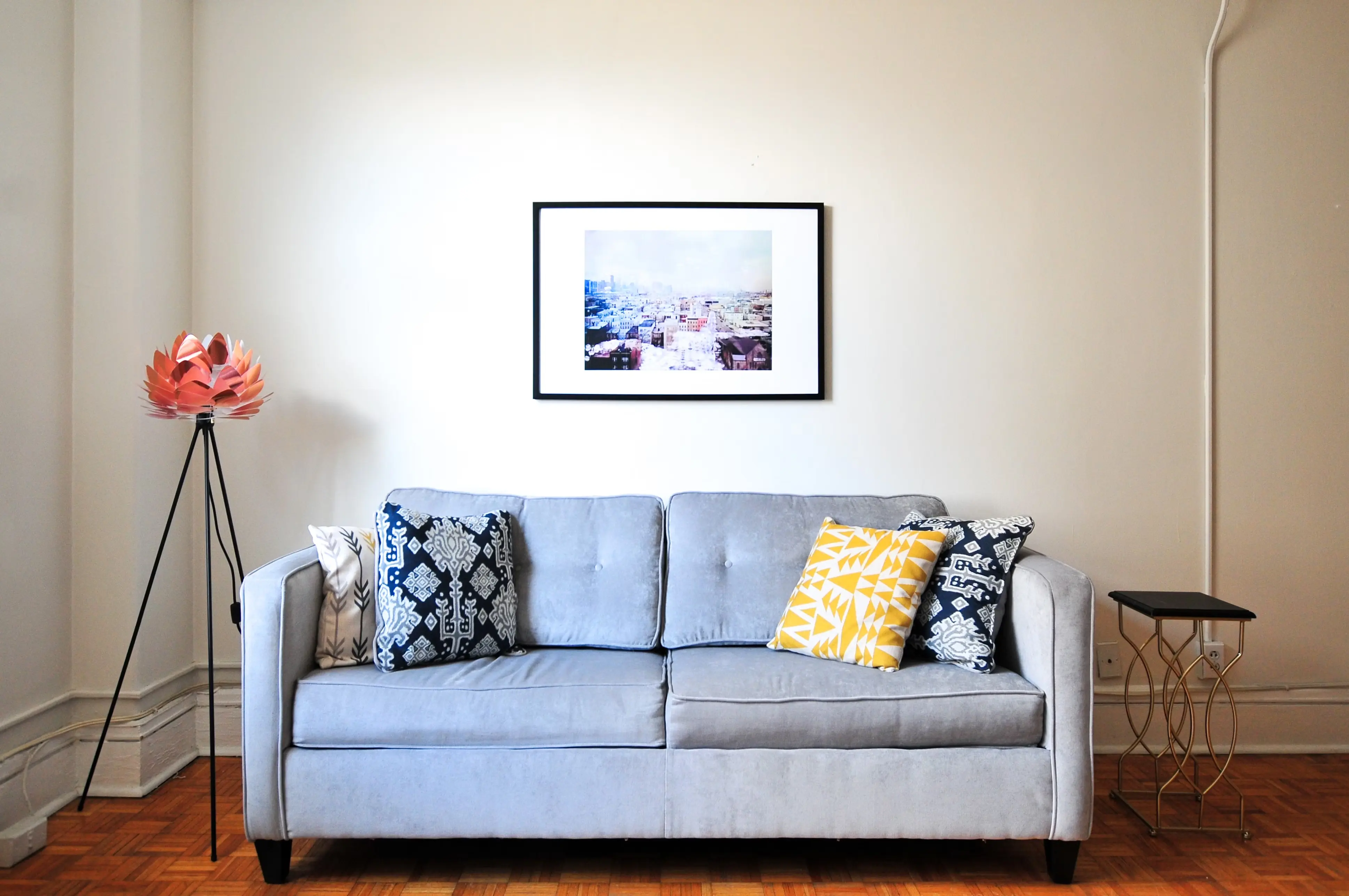
"Add a modern, minimalist table lamp with a white lampshade on top of the small, elegant side table to the right of the gray sofa. The lamp should be in scale with the table and provide a warm, ambient light. Maintain the original image's resolution."
Unlock a Universe of Styles
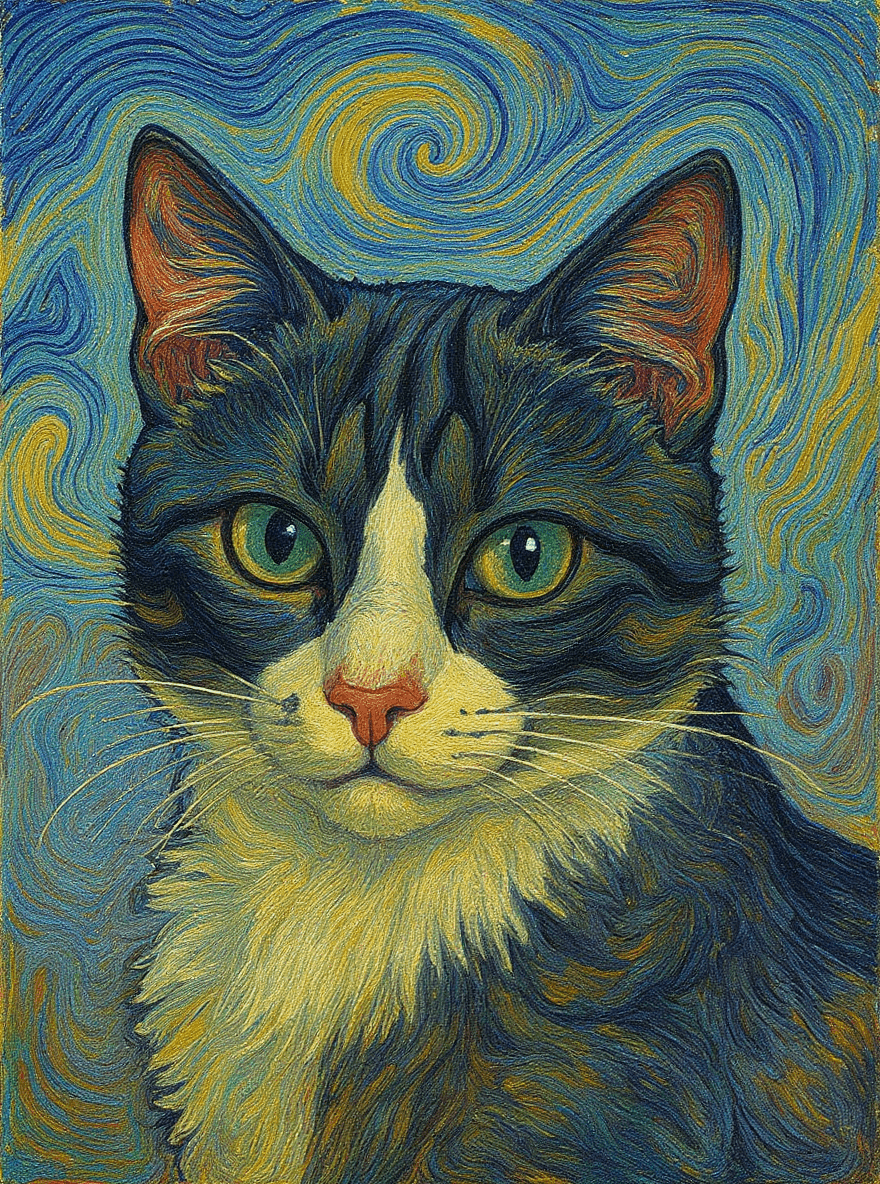
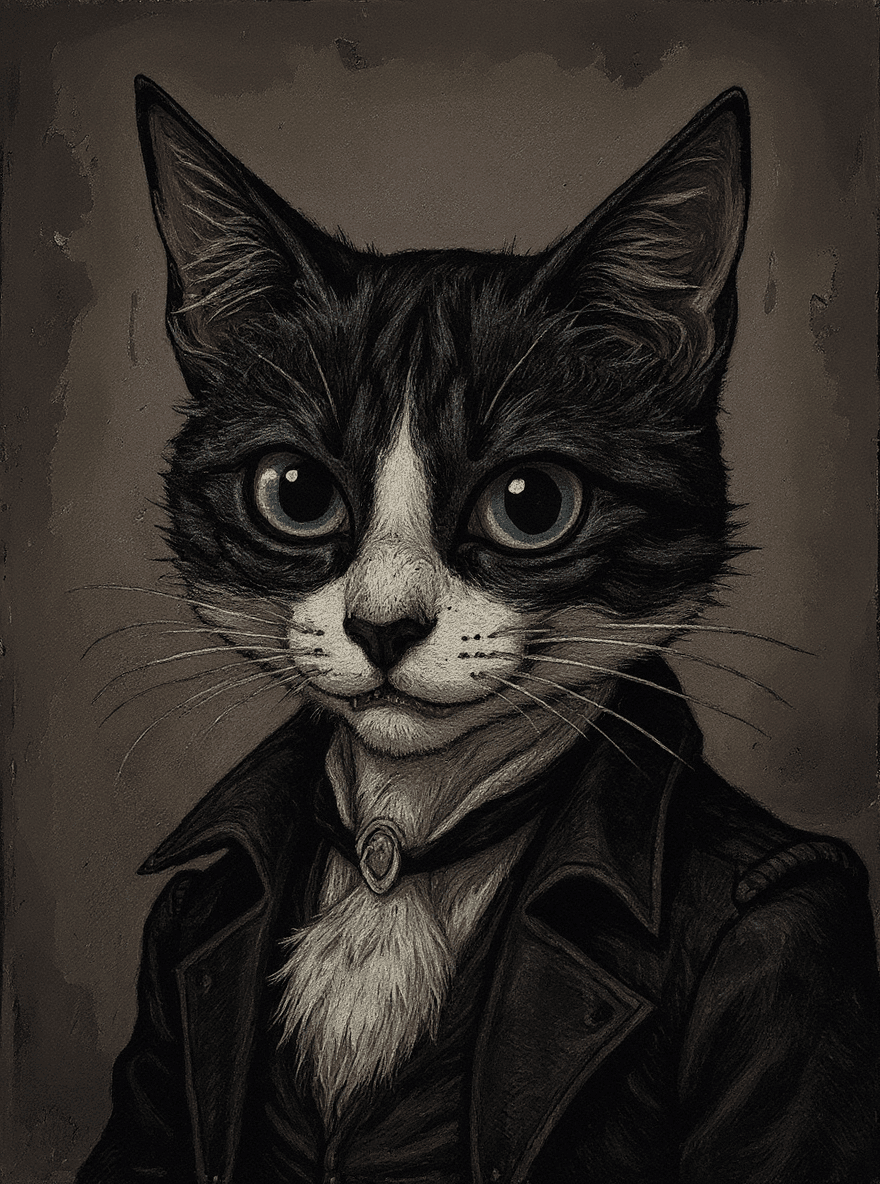
Explore our most popular photo filters below. Click any style to open its page, see examples, and apply the look to your own photo.
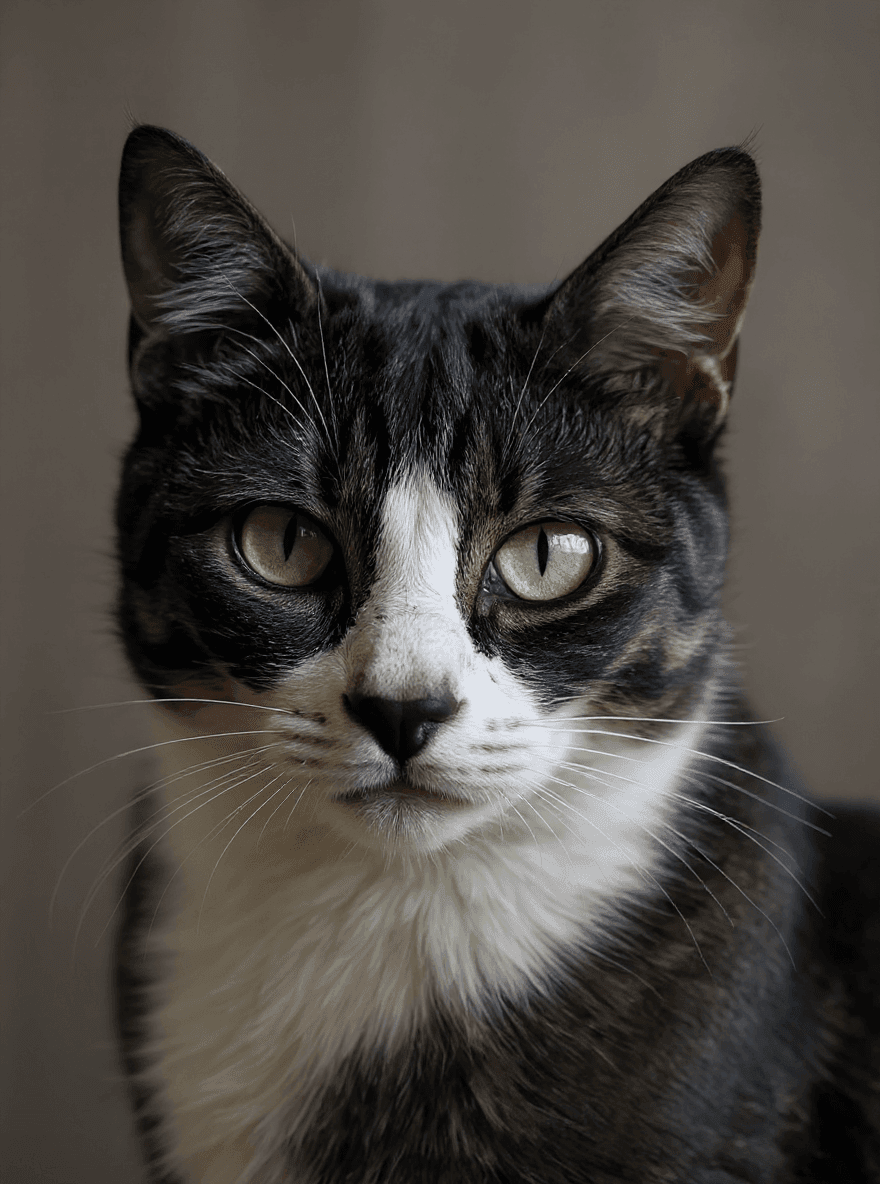
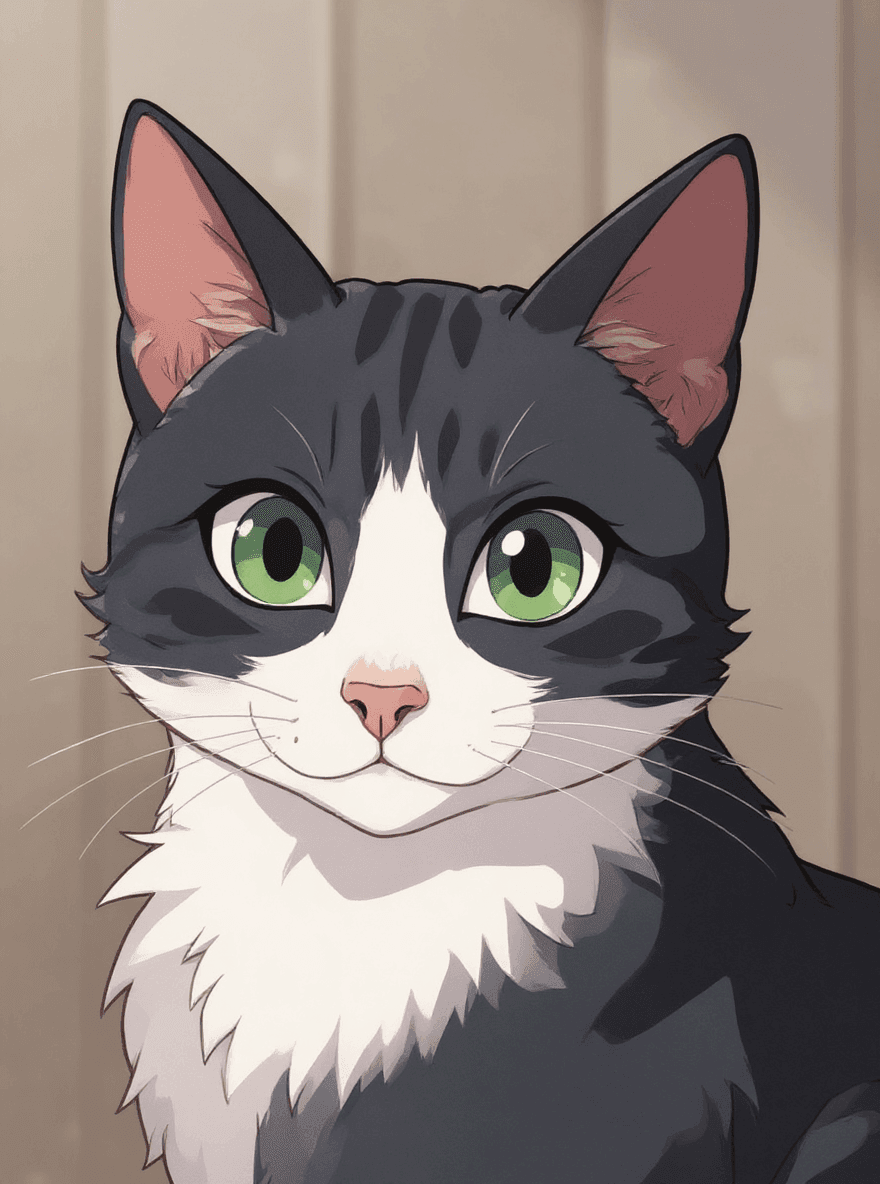
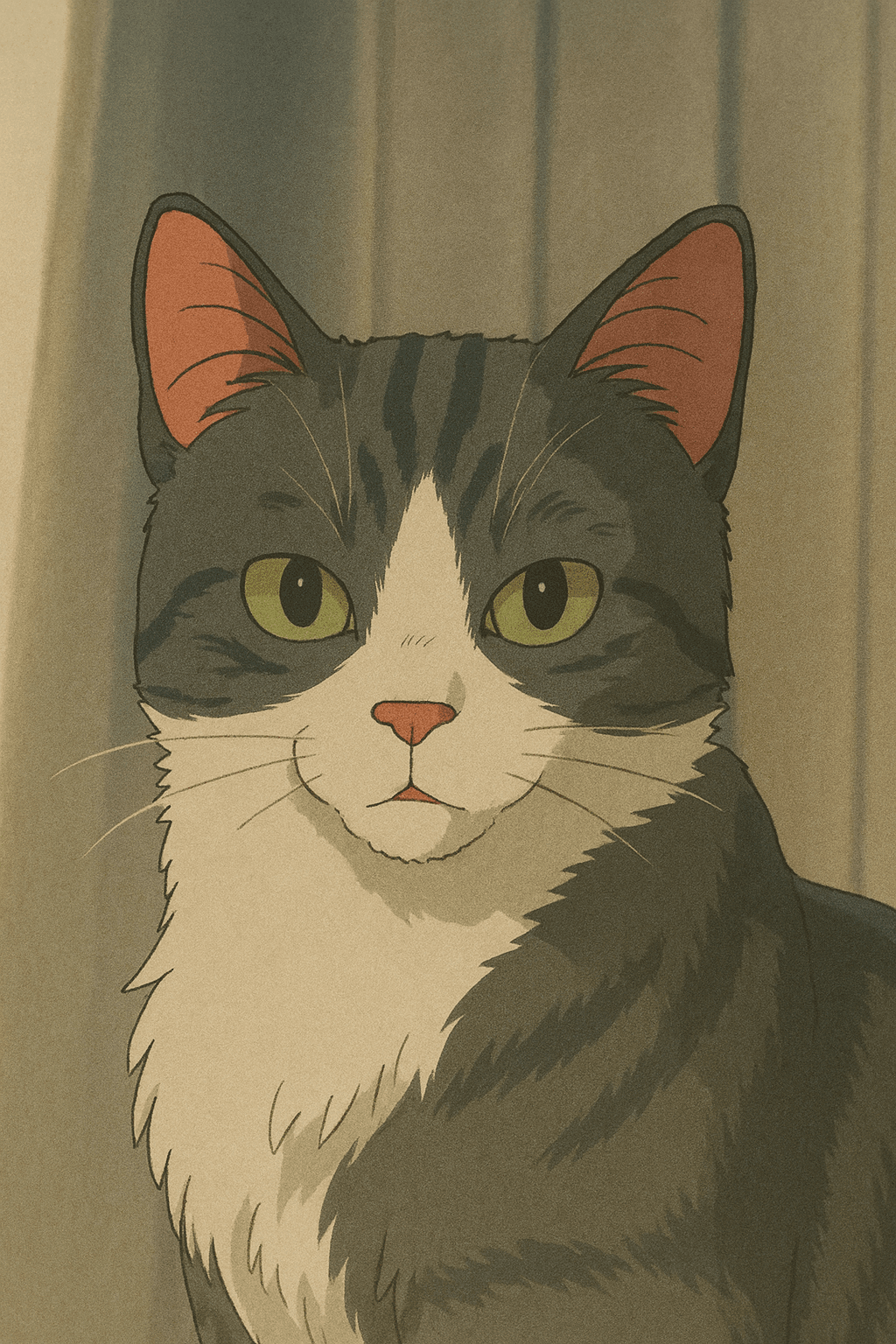
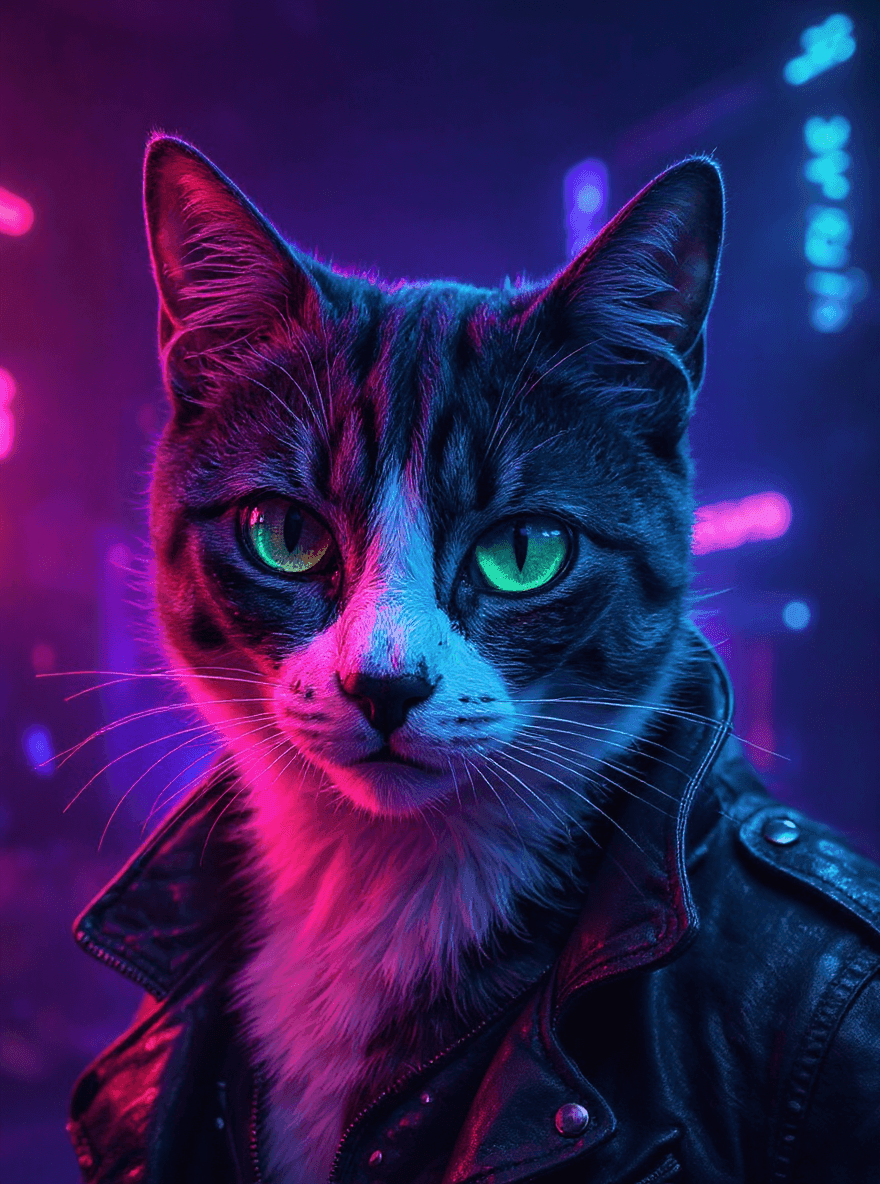
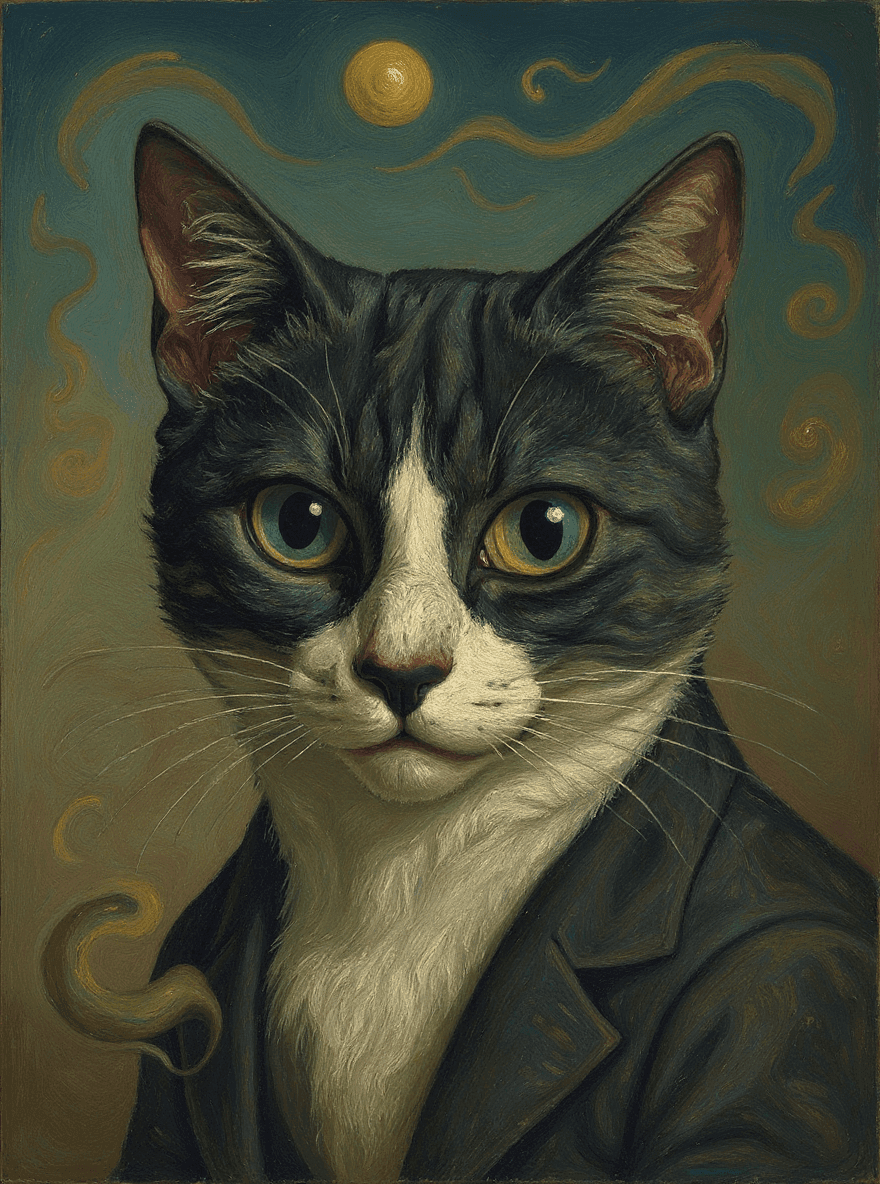
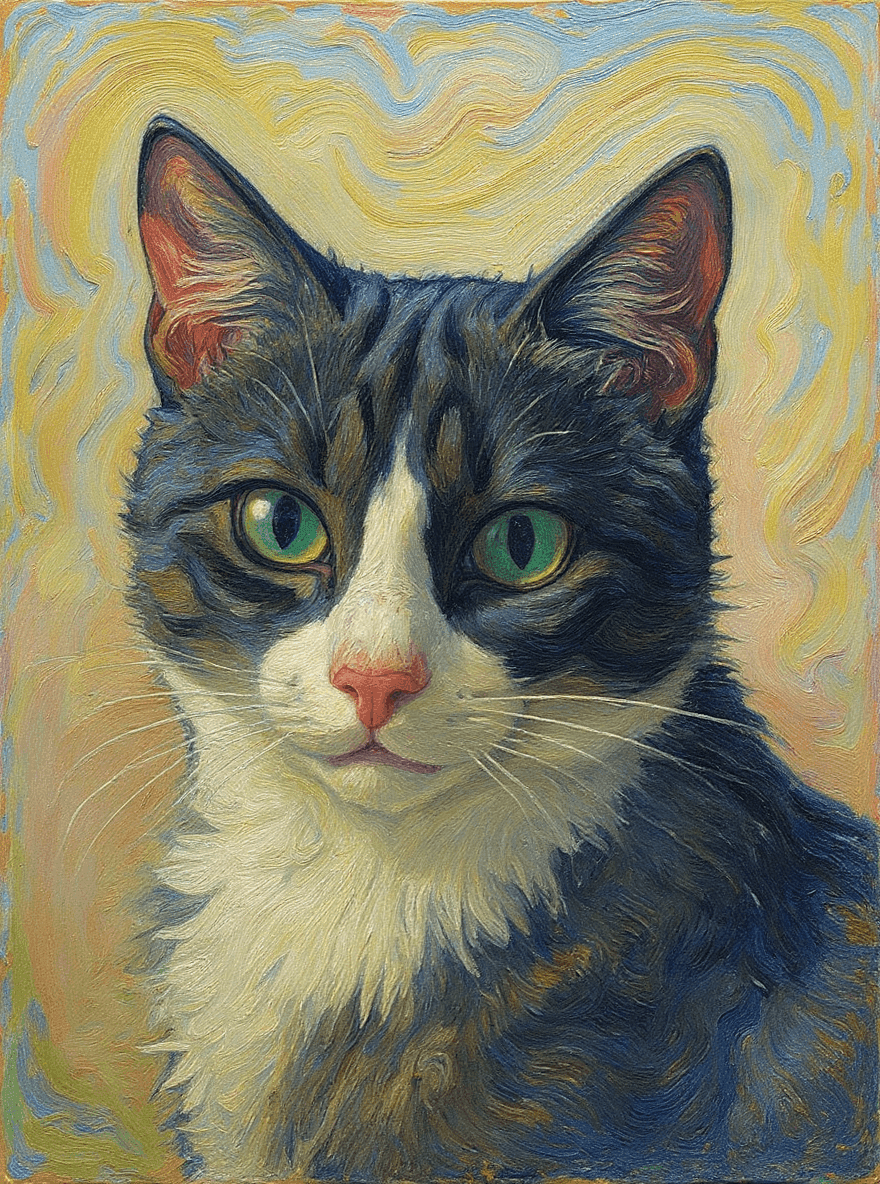
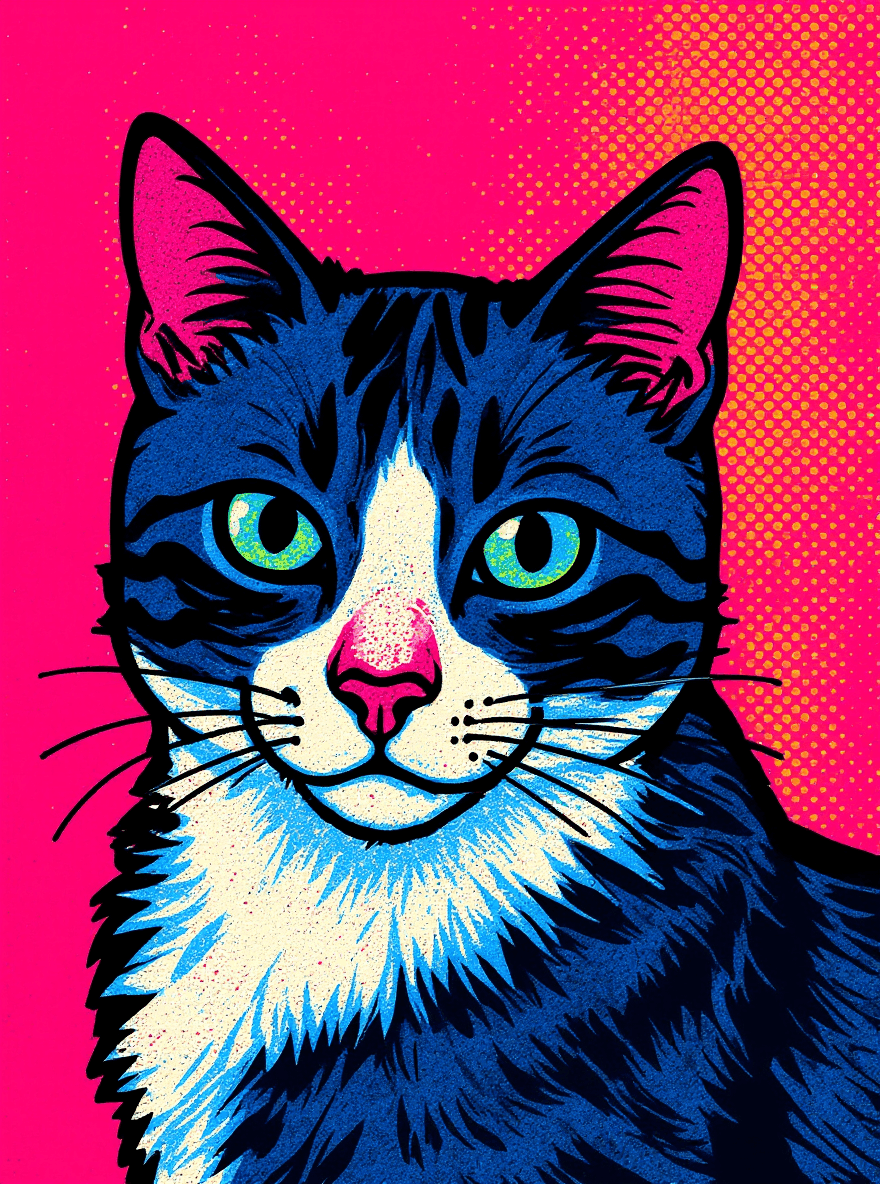
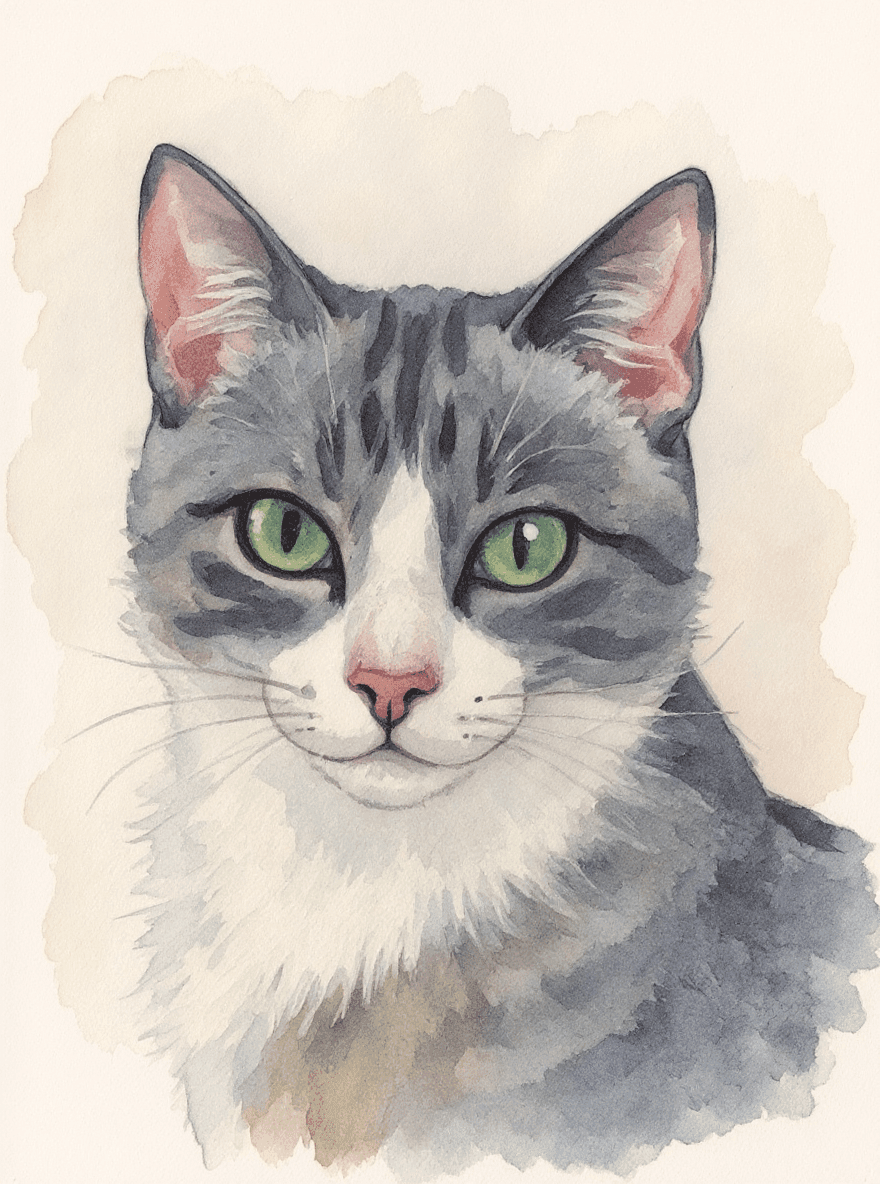
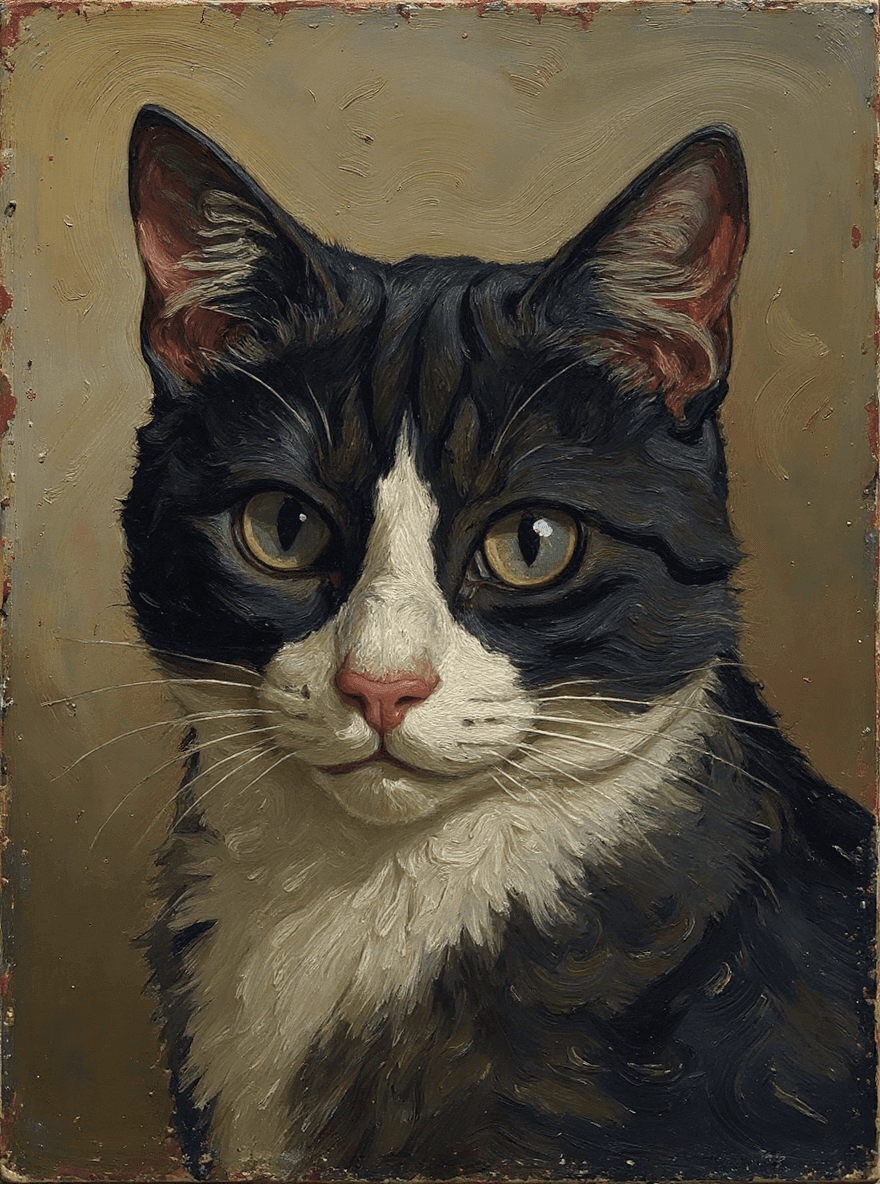
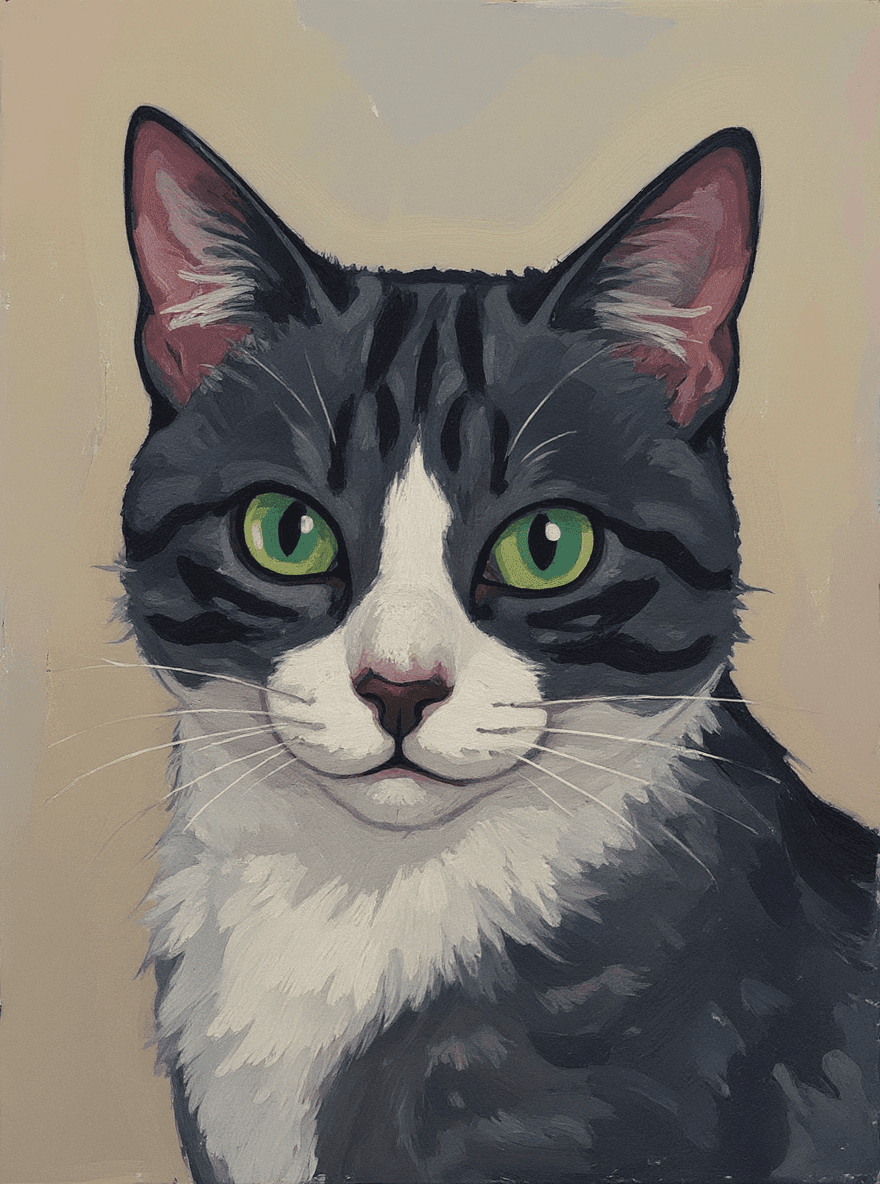
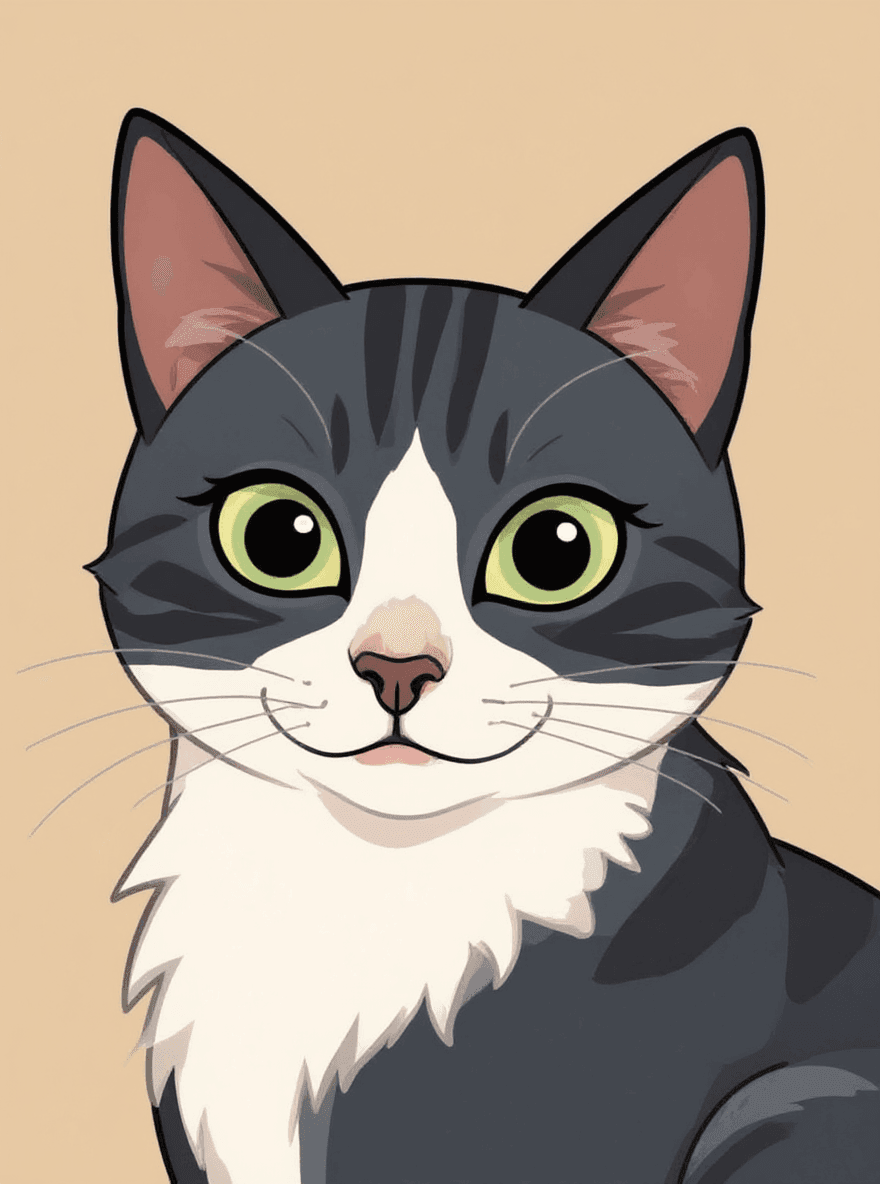

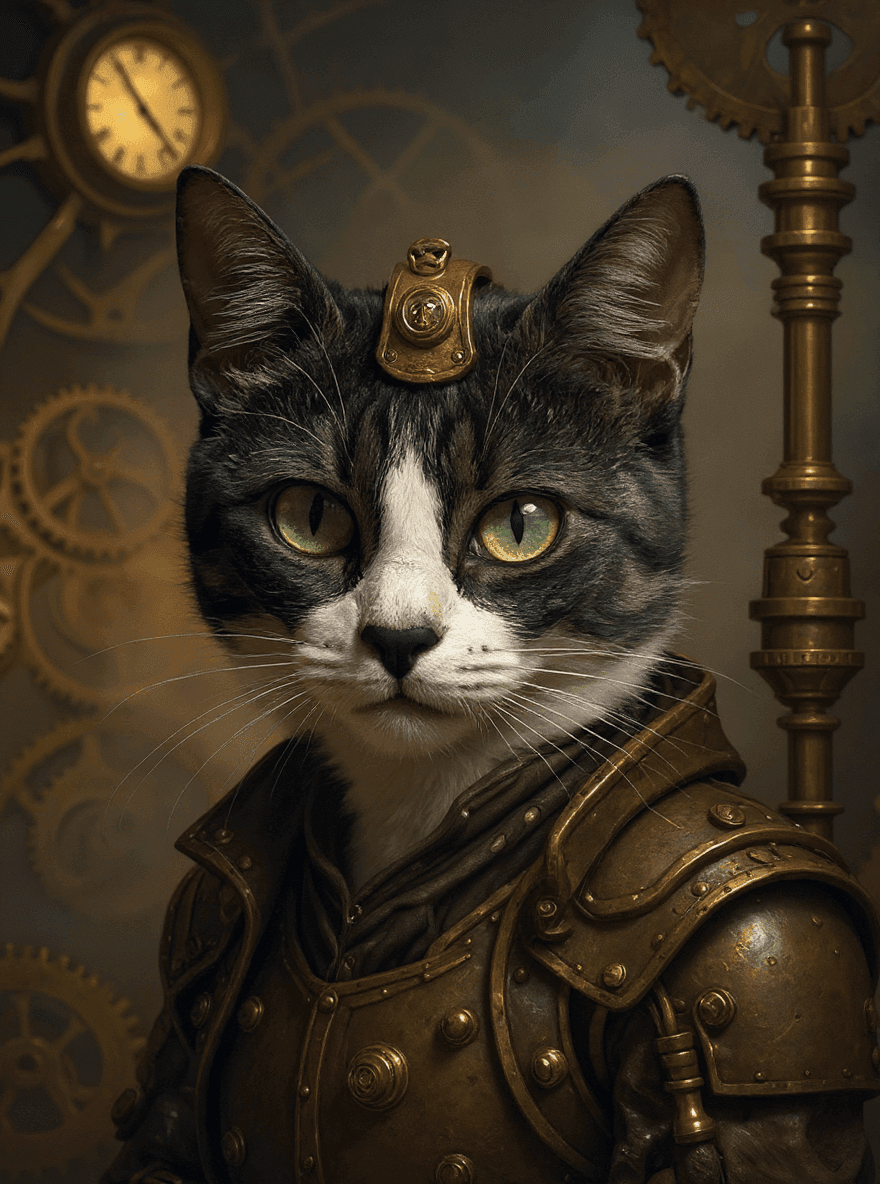
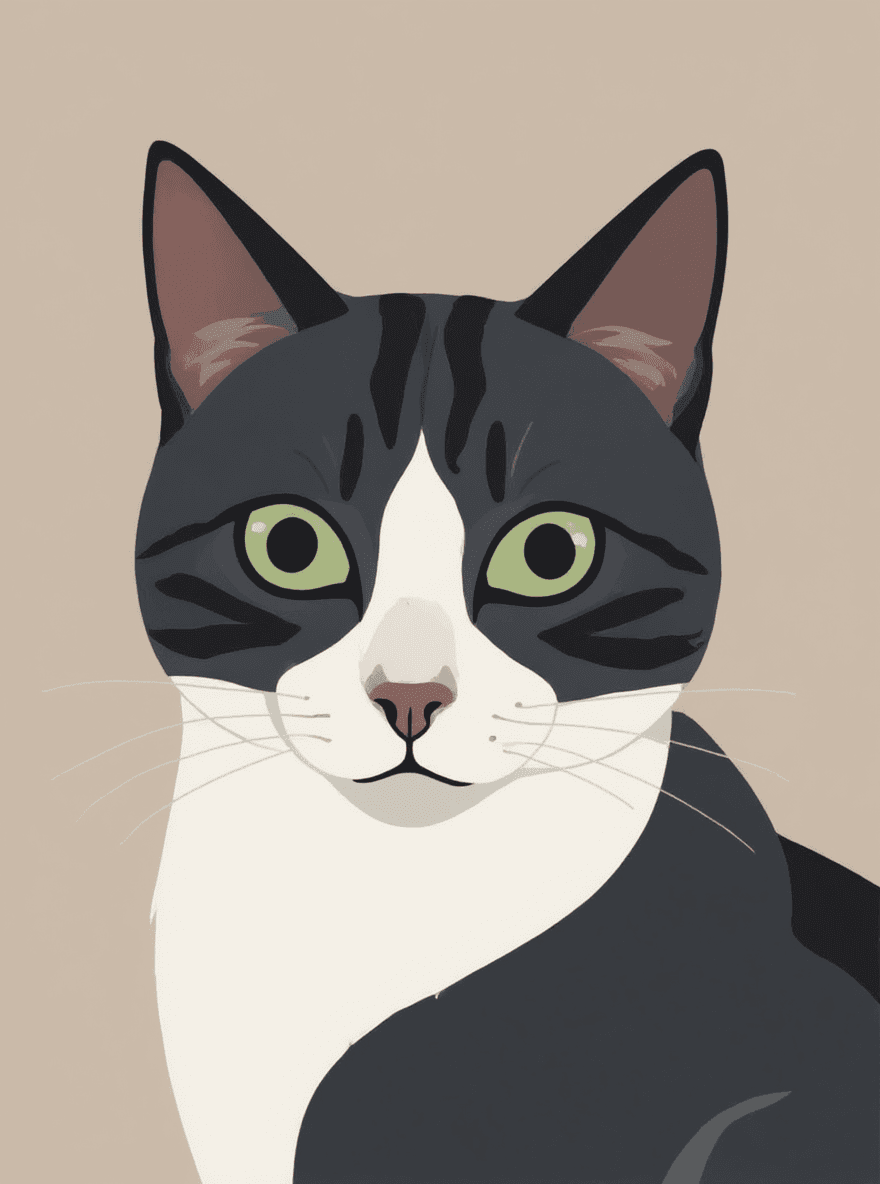
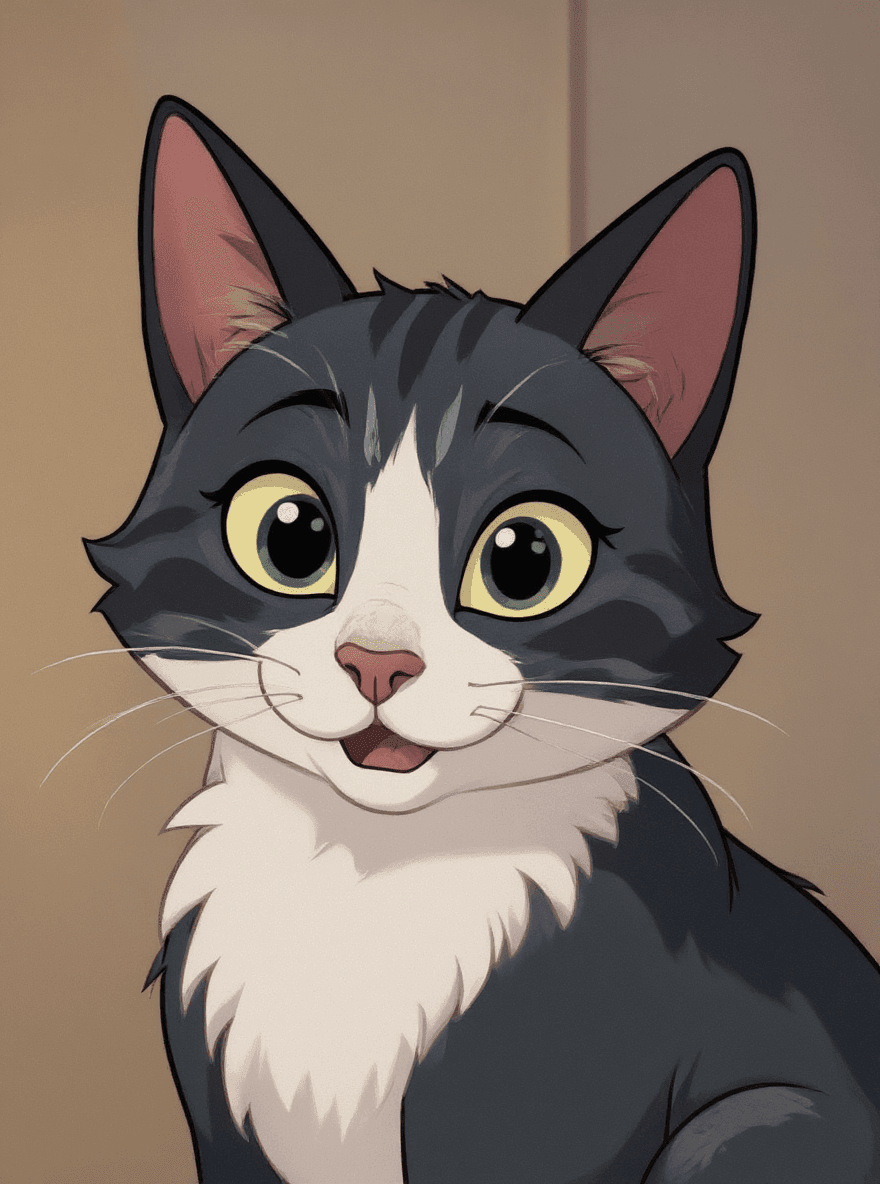
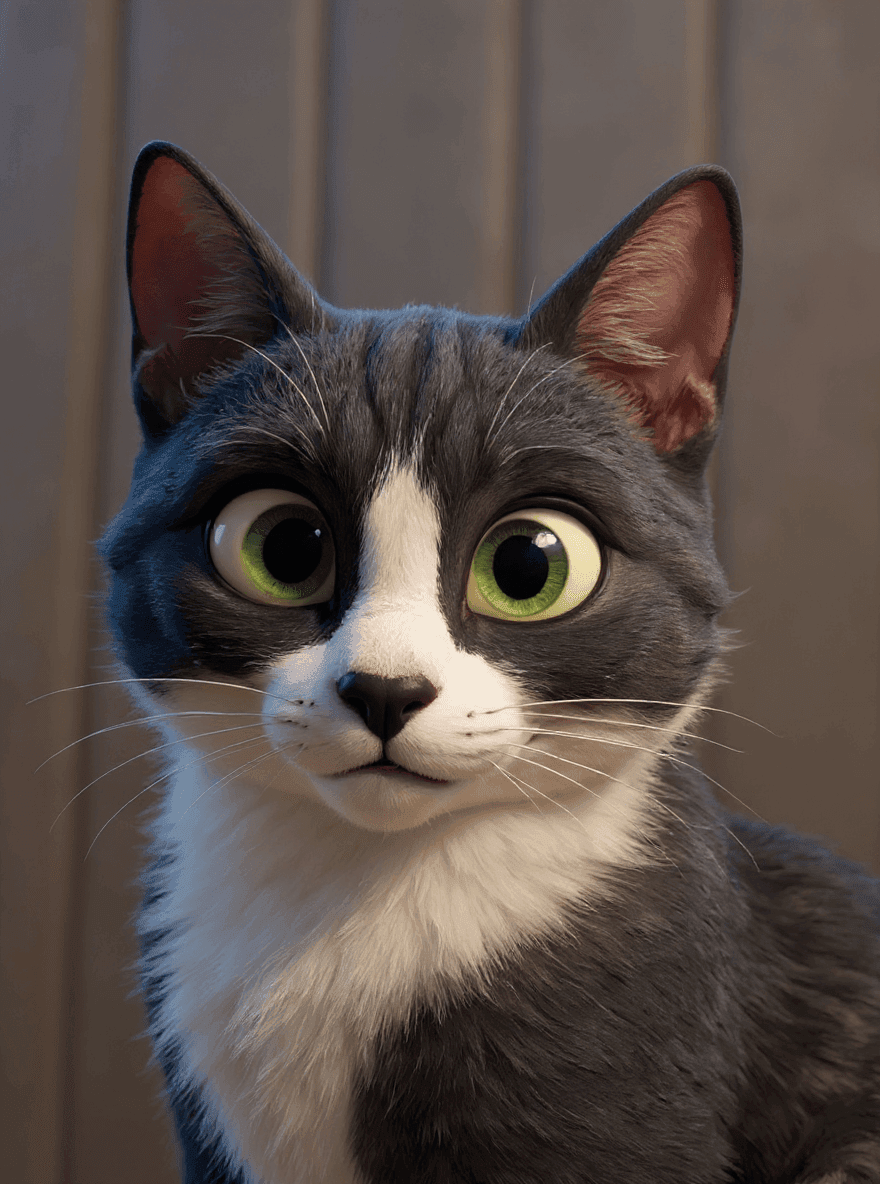
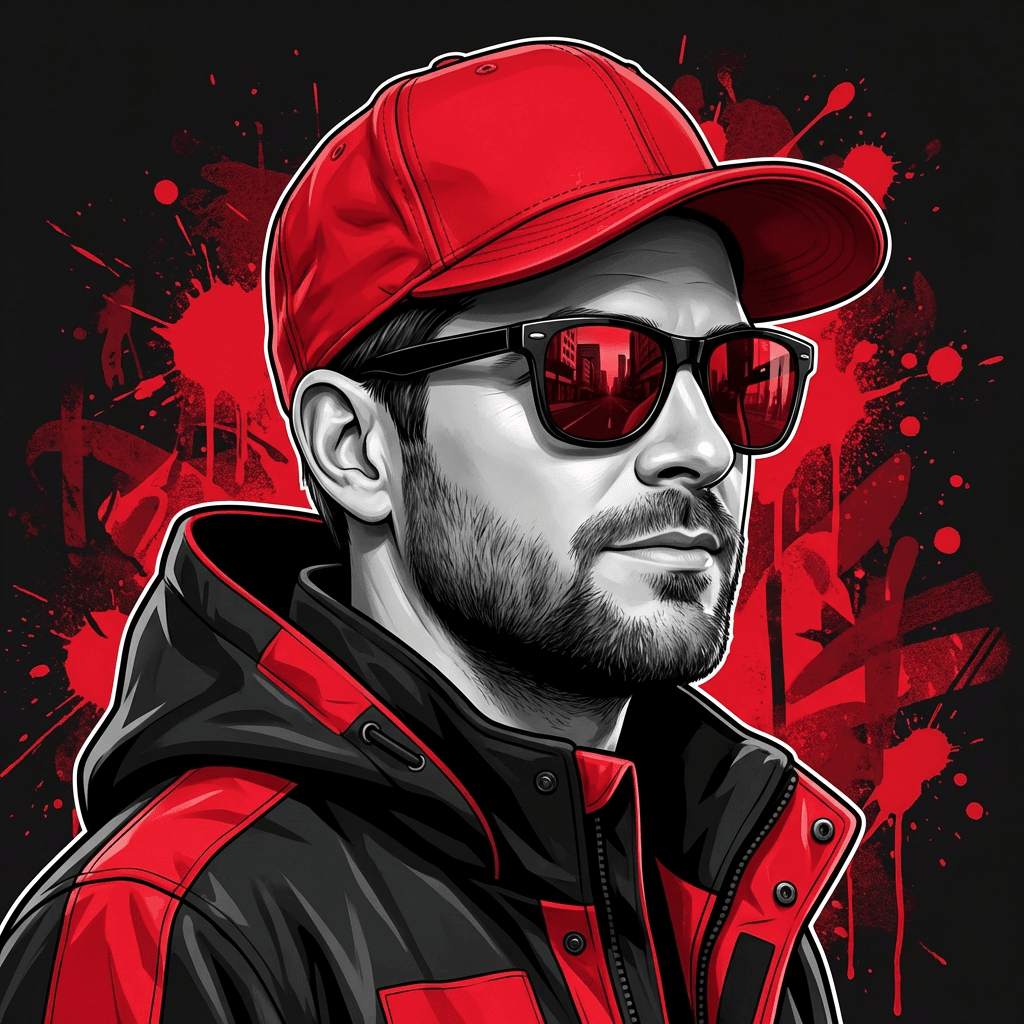
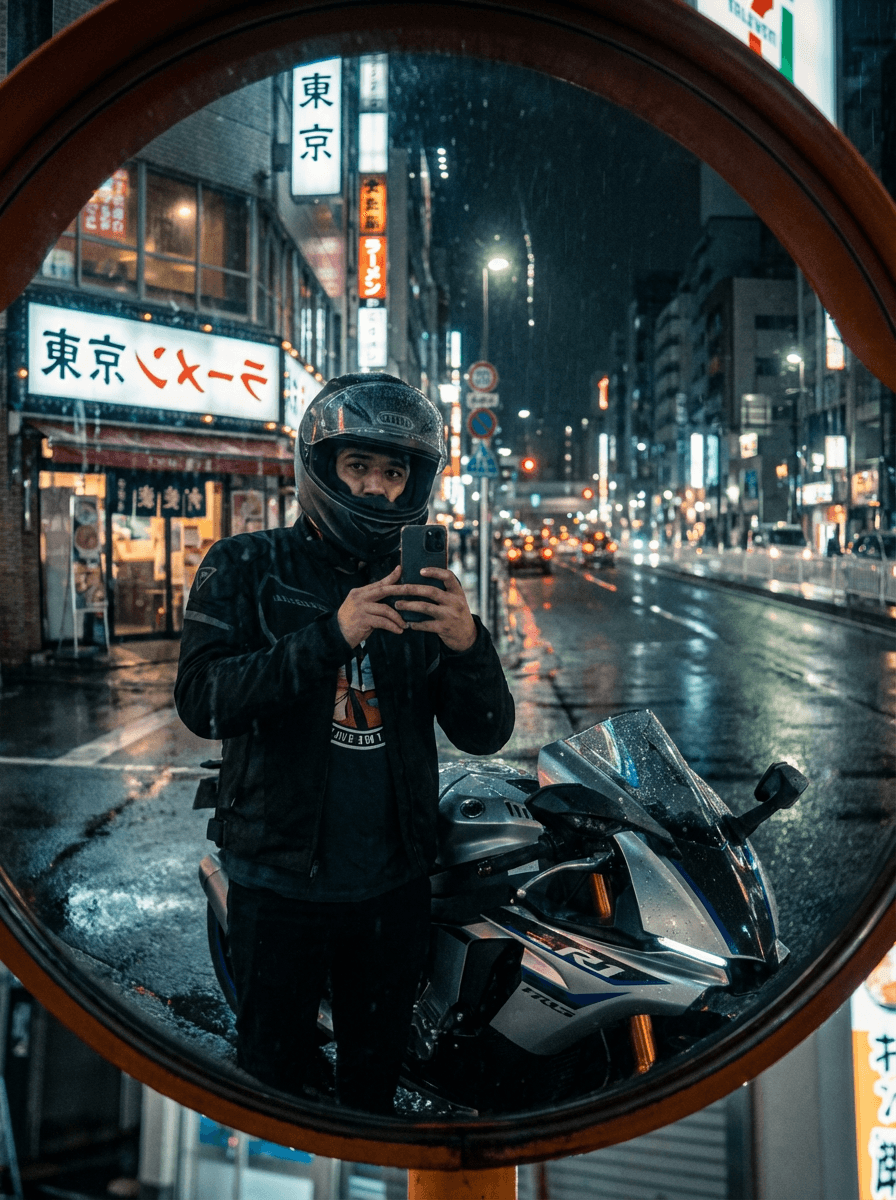
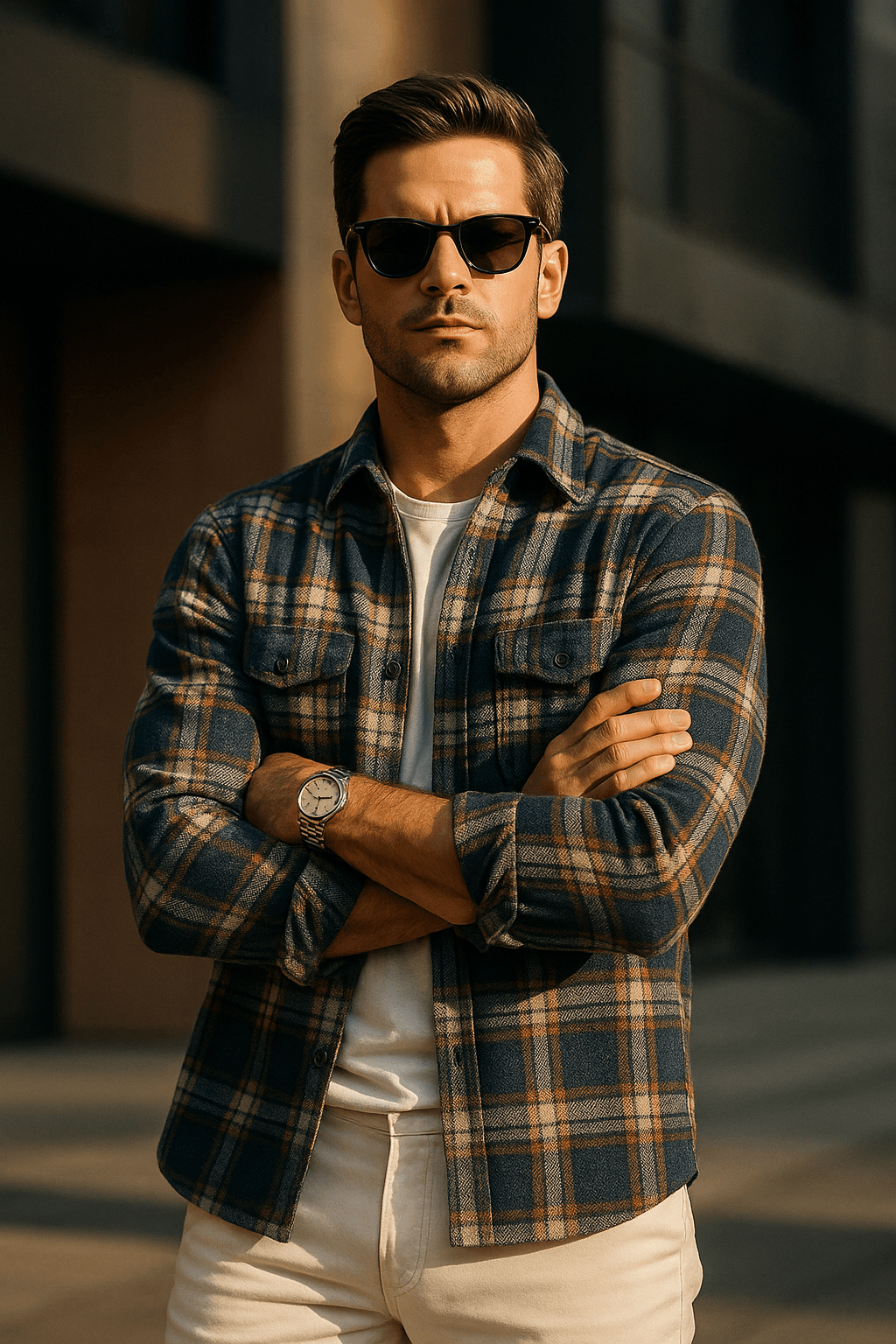
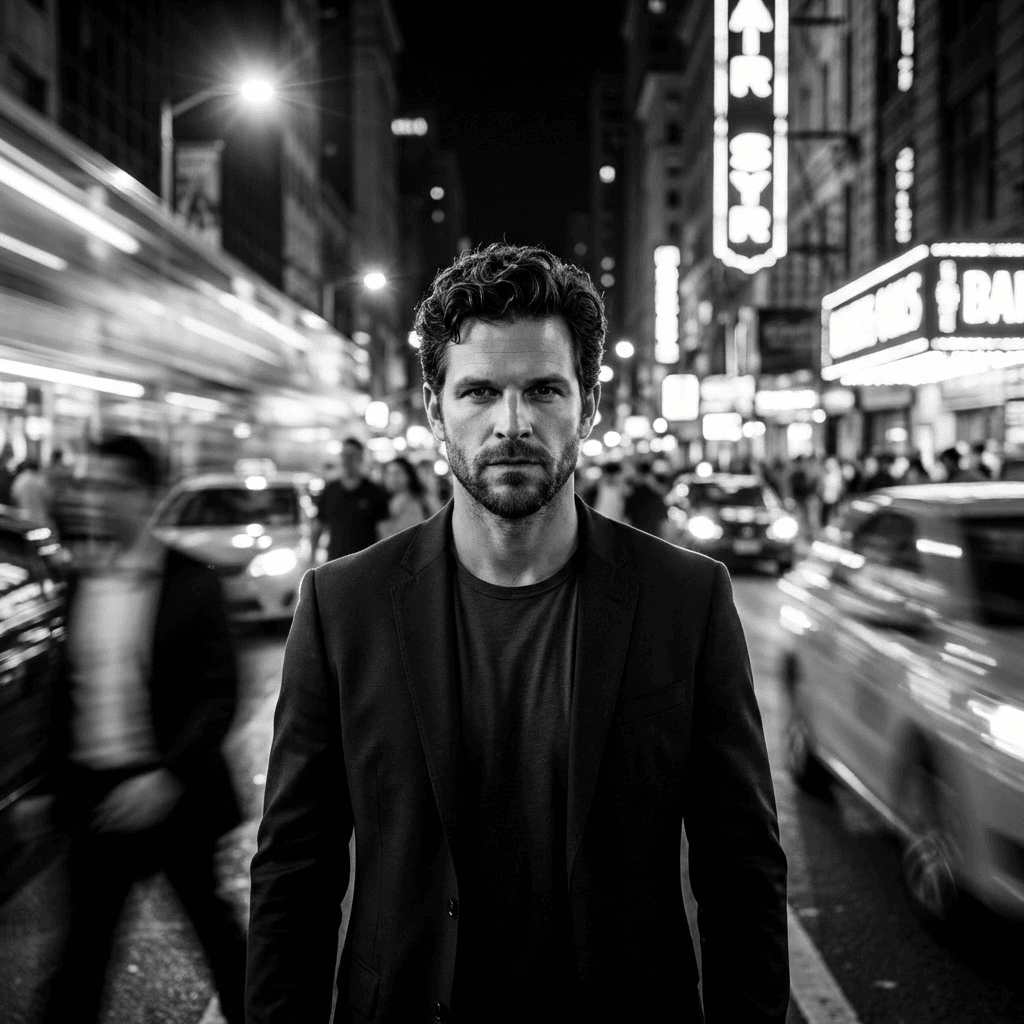
Your Face. Your Style. Every Image.
Upload a single photo and let our AI preserve your facial likeness across every edit. Create unlimited variations while maintaining your unique features in every generated image.
One Photo, Infinite Possibilities
Upload once and generate countless images with your likeness
Consistent Facial Features
Advanced AI ensures your unique features stay recognizable
Perfect for Content Creators
Create professional headshots, social media content, and more

Professional Look
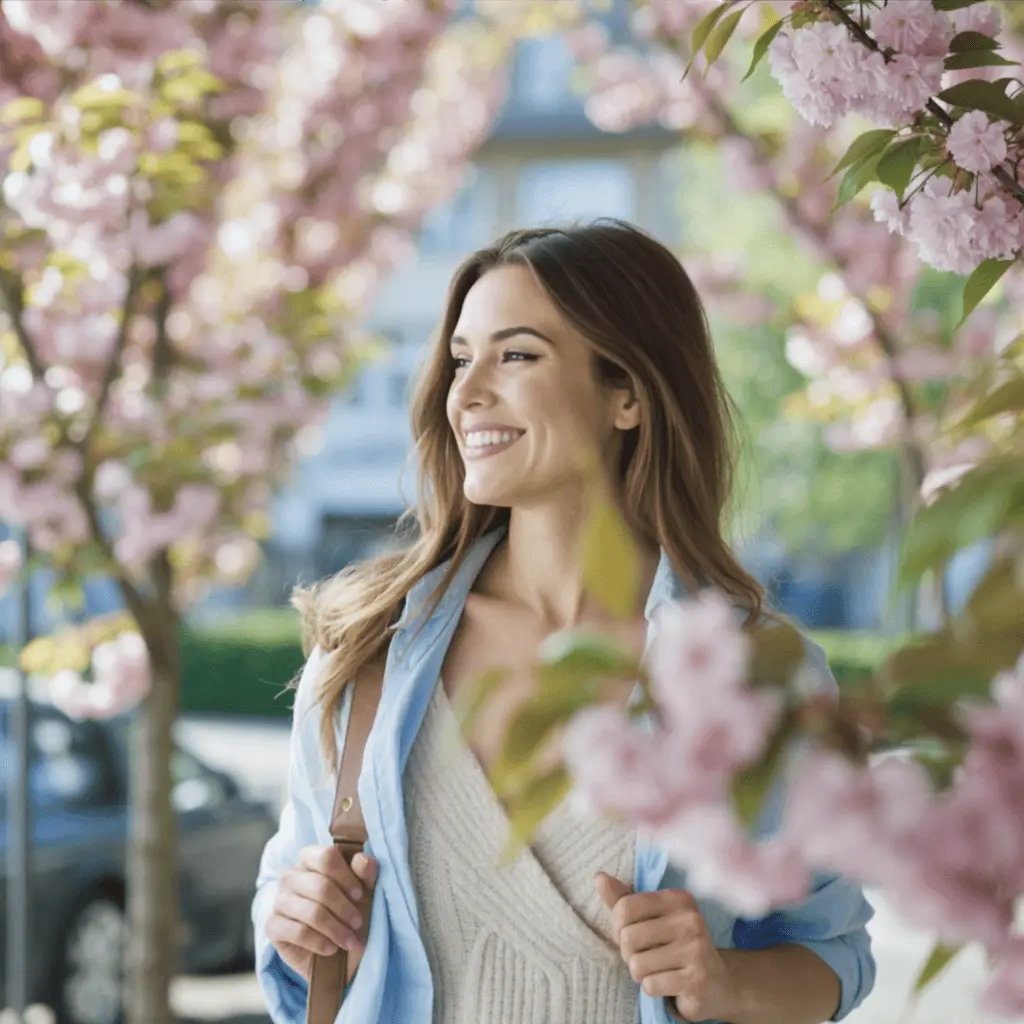
Casual Style
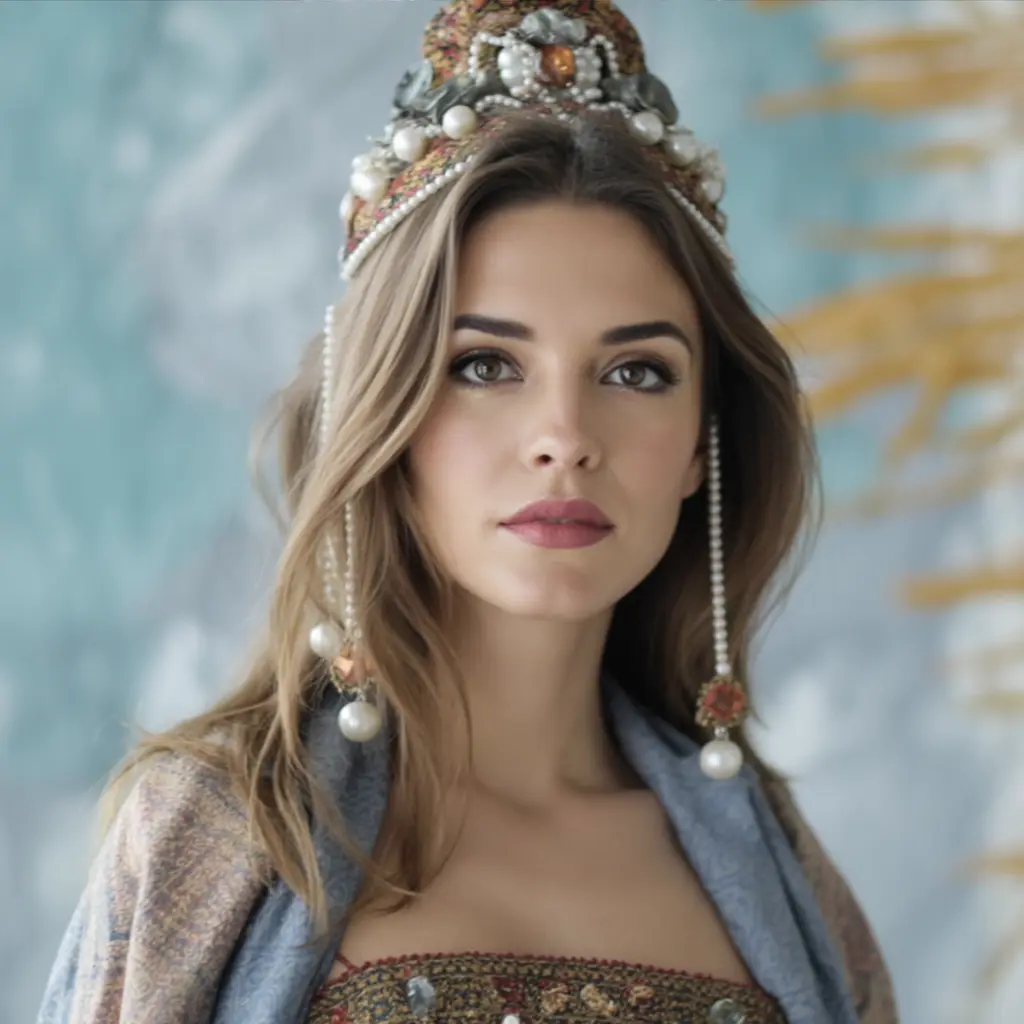
Creative Edit
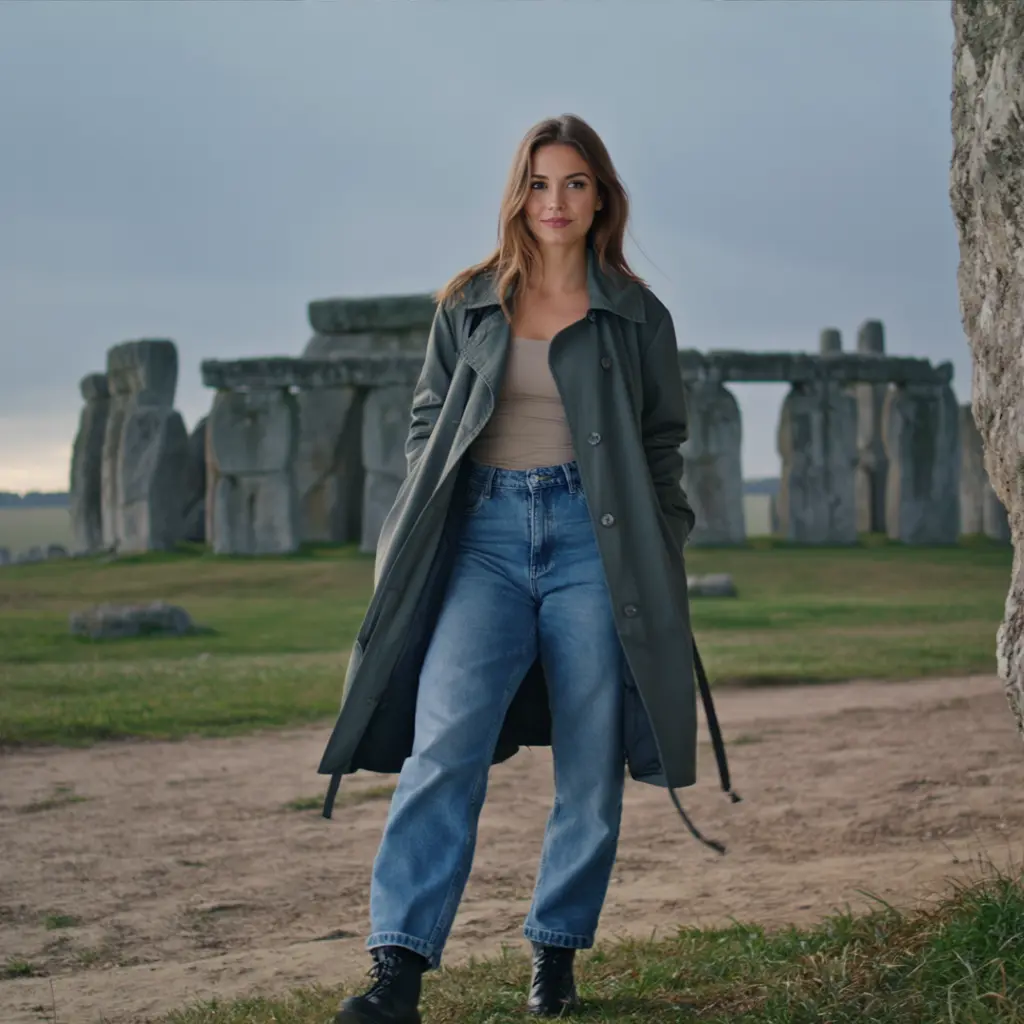
Artistic Vision
All the tools you need to edit your images
From professional enhancements to creative transformations, explore what our AI can do for your images.
Frequently Asked Questions
Common questions about our AI photo editor and Prompt Editor.
How do I edit a photo with a prompt?
Upload an image, describe the change you want, and run the edit. You can also open the Prompt Editor to refine the wording and reuse that prompt later.
Is Photoprompt free to use?
Yes. Every account gets monthly credits for free edits, and you can upgrade if you need more volume.
Can I save prompts and use them again?
Yes. Save prompts in My Prompts, then reuse or adapt them in the Prompt Editor whenever you need consistent results.
Do you store my photos?
We keep processing secure and give you control over what you save, so you can edit with confidence.
Ready to start editing photos with AI?
Try our free AI photo editor today and transform your images in seconds.